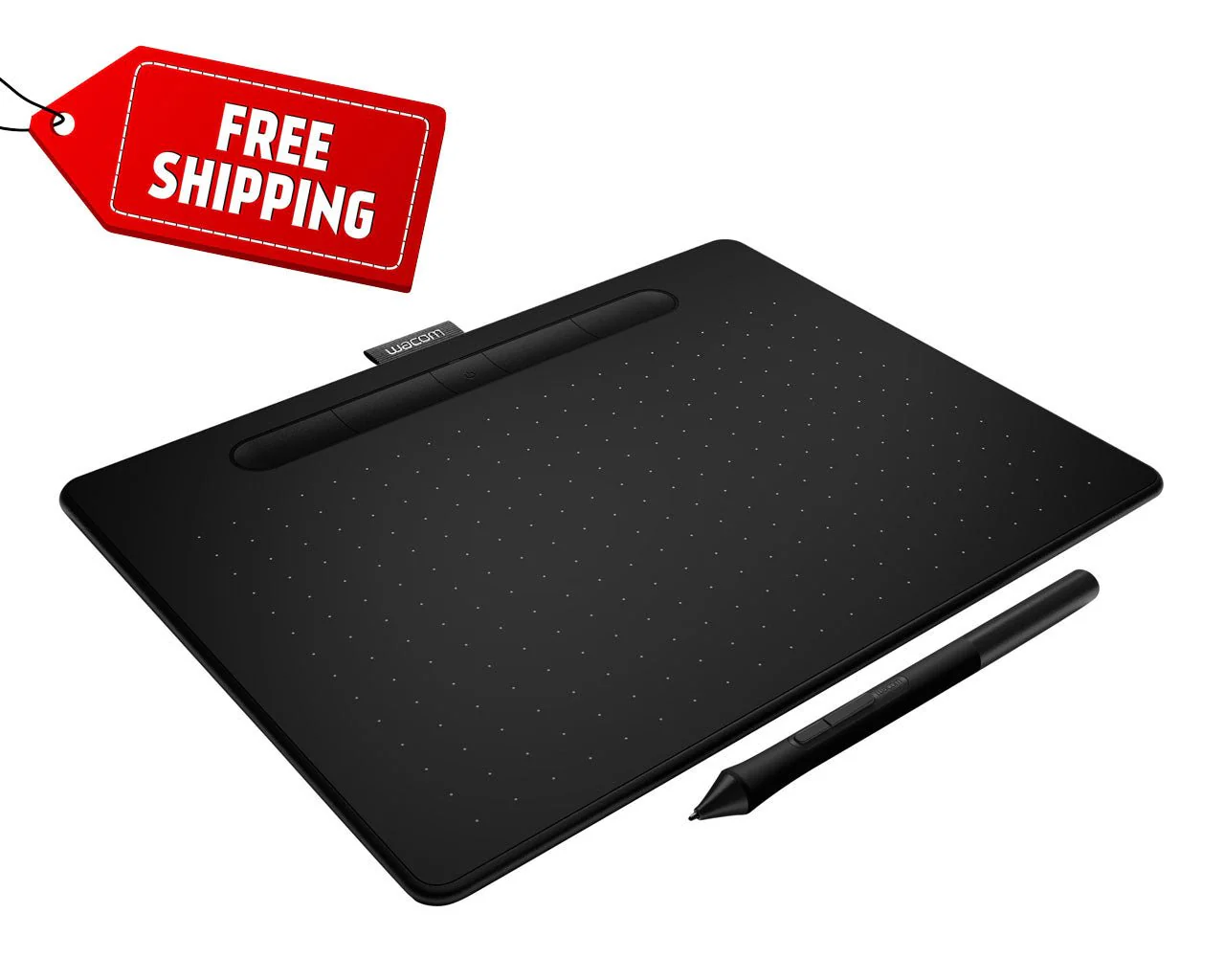
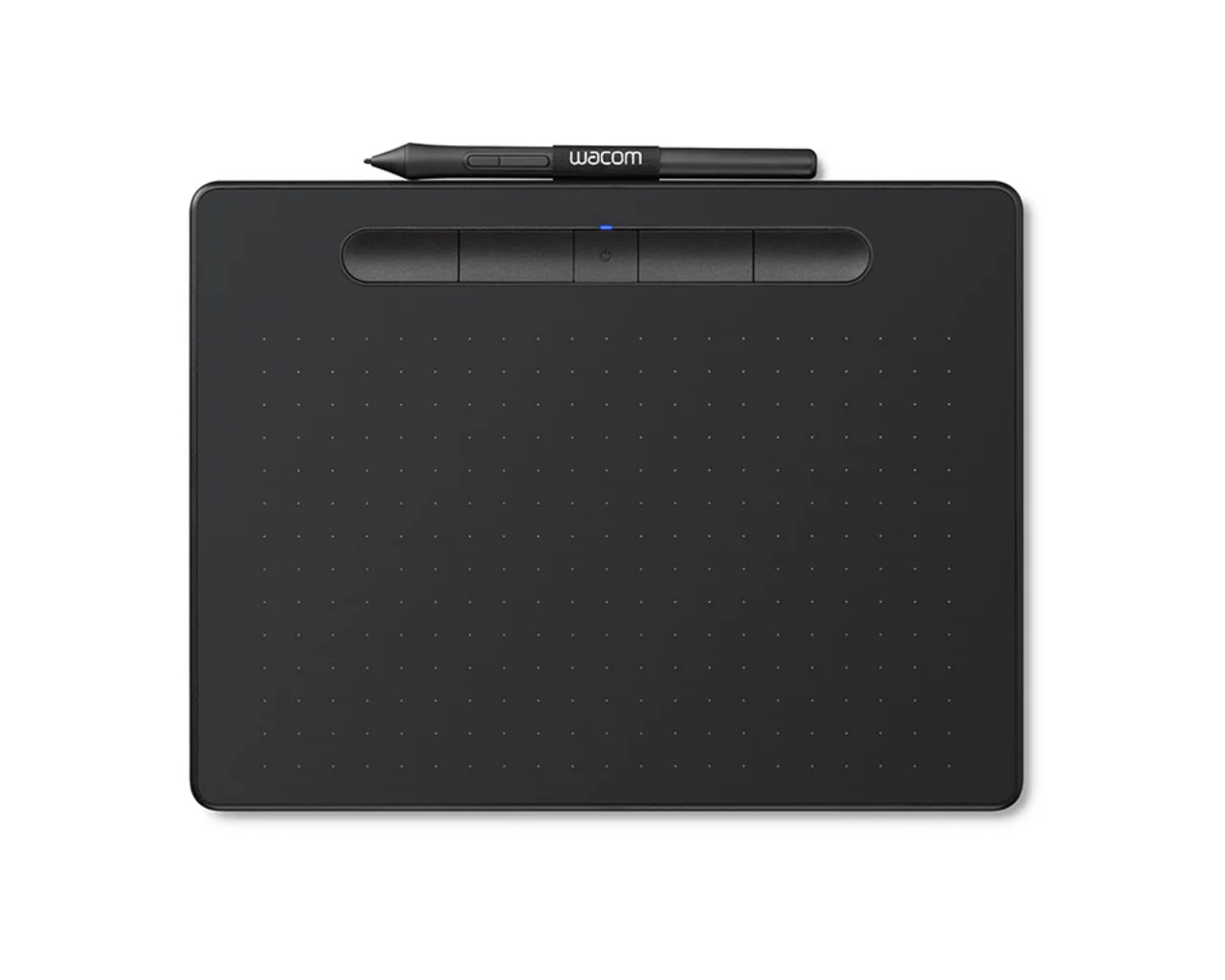
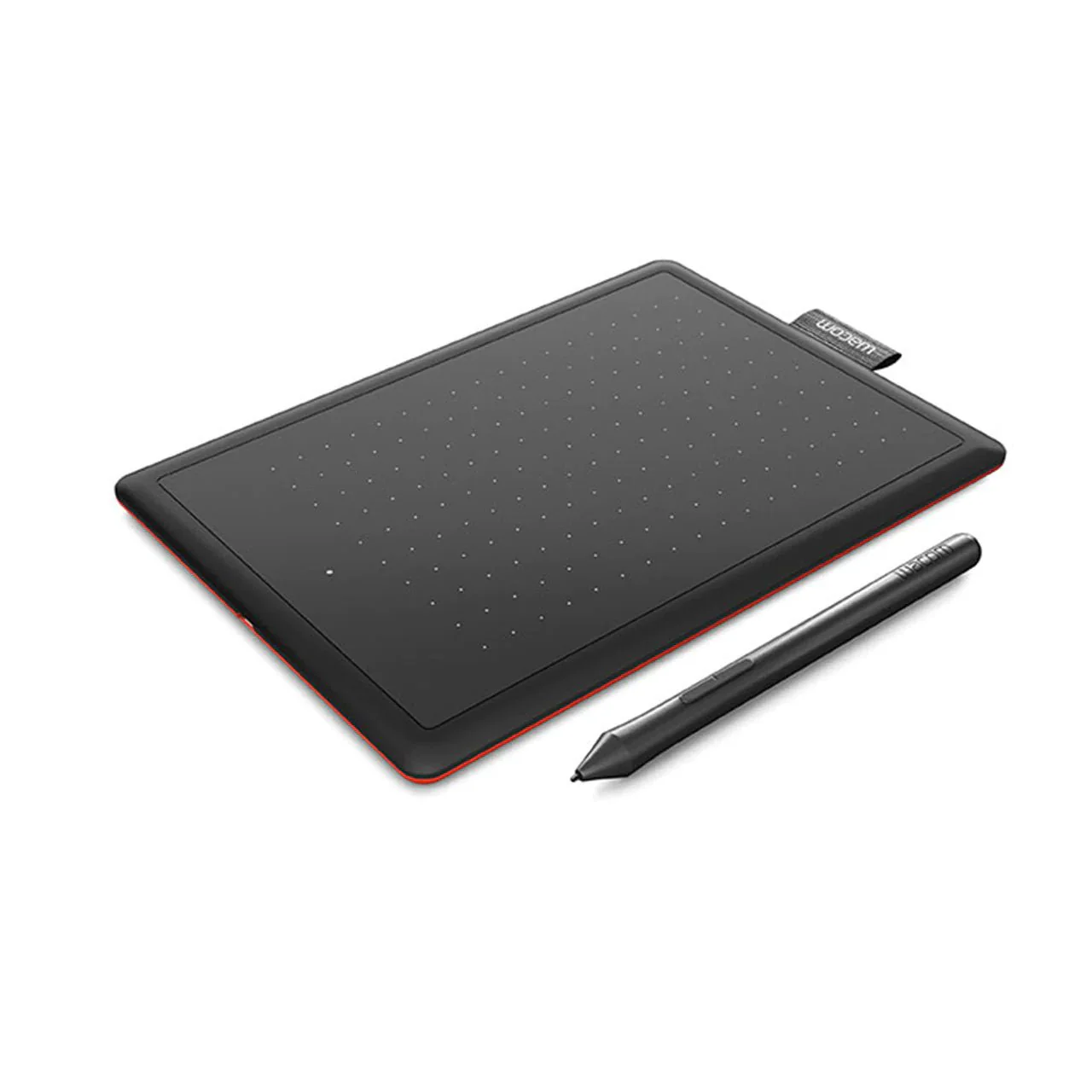
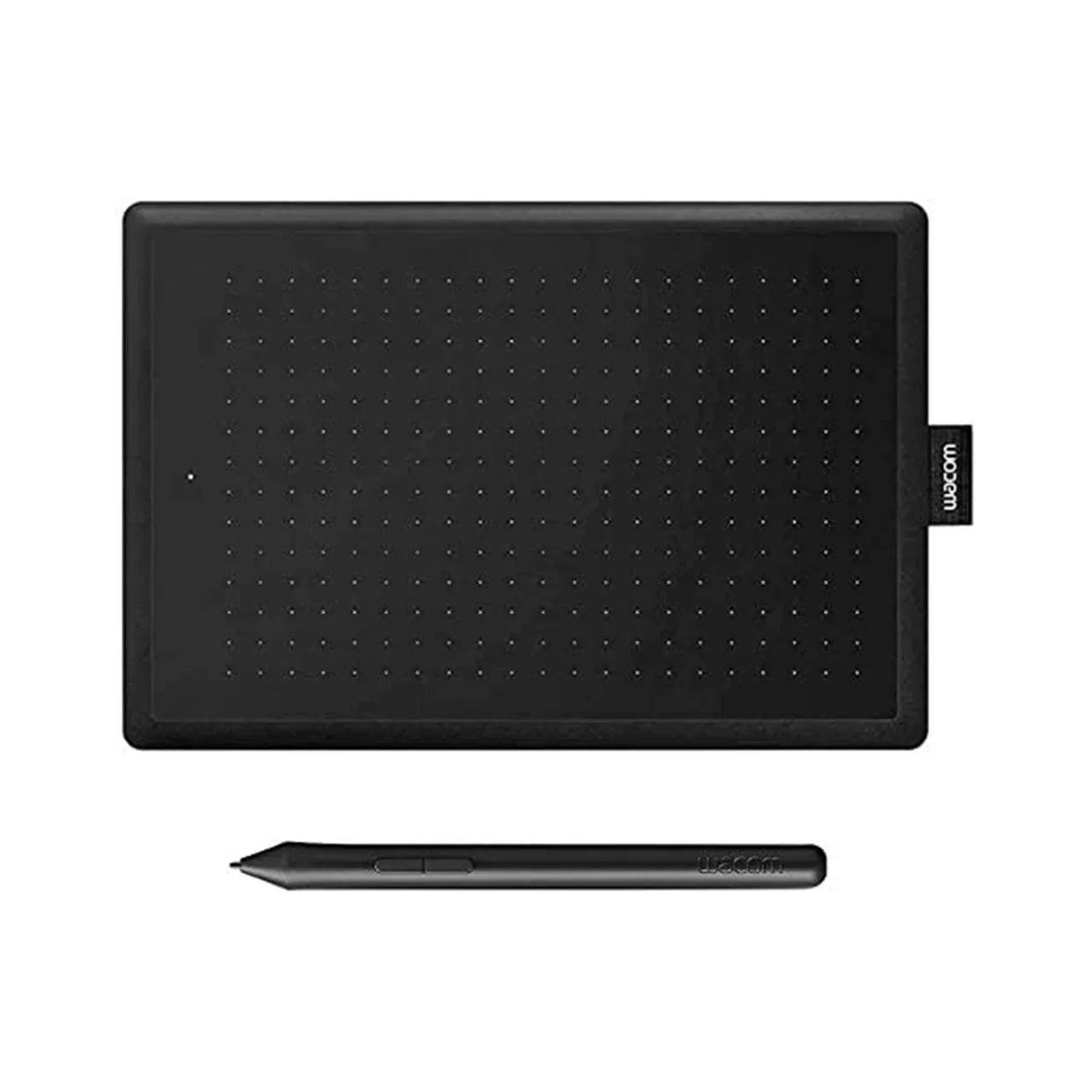
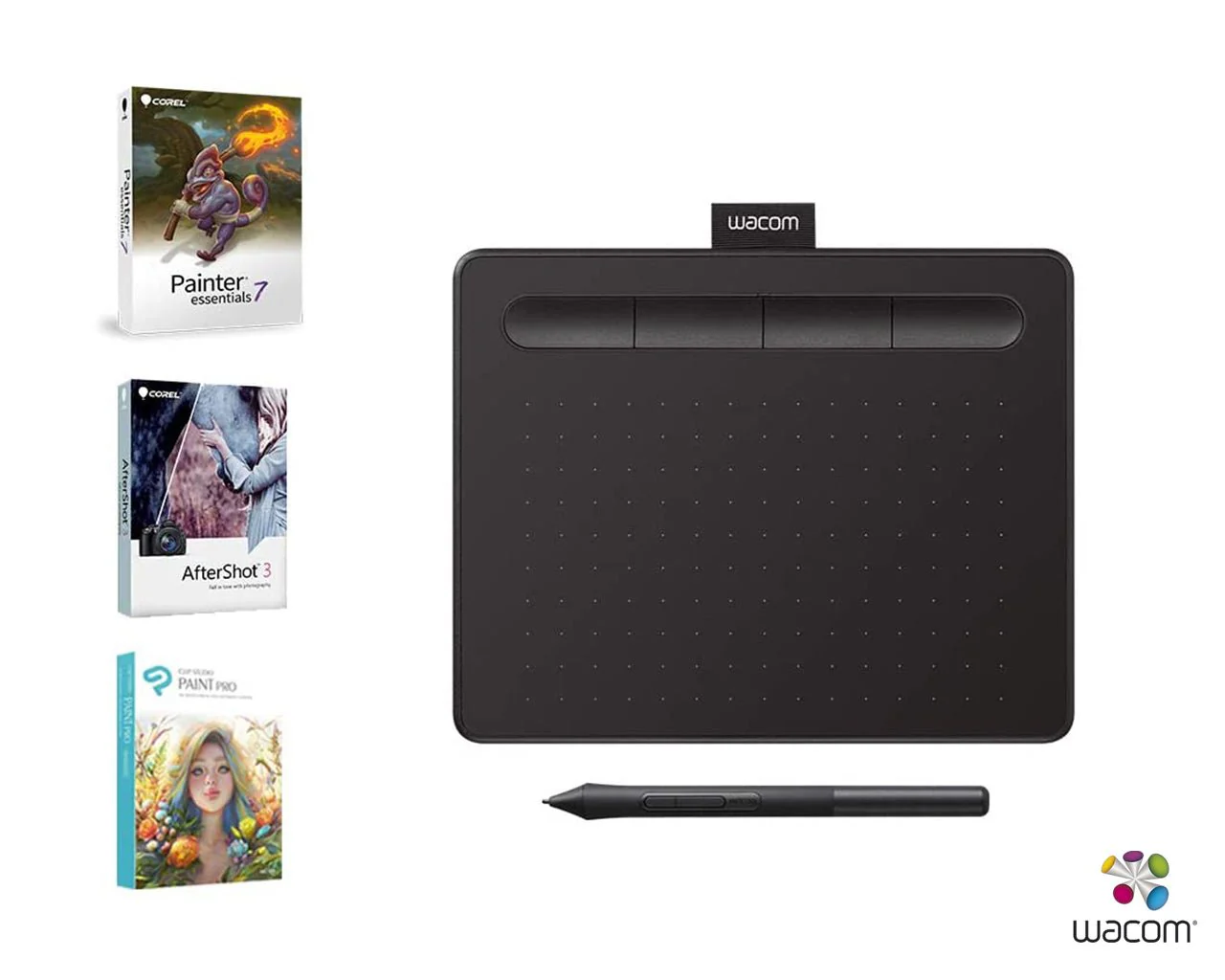
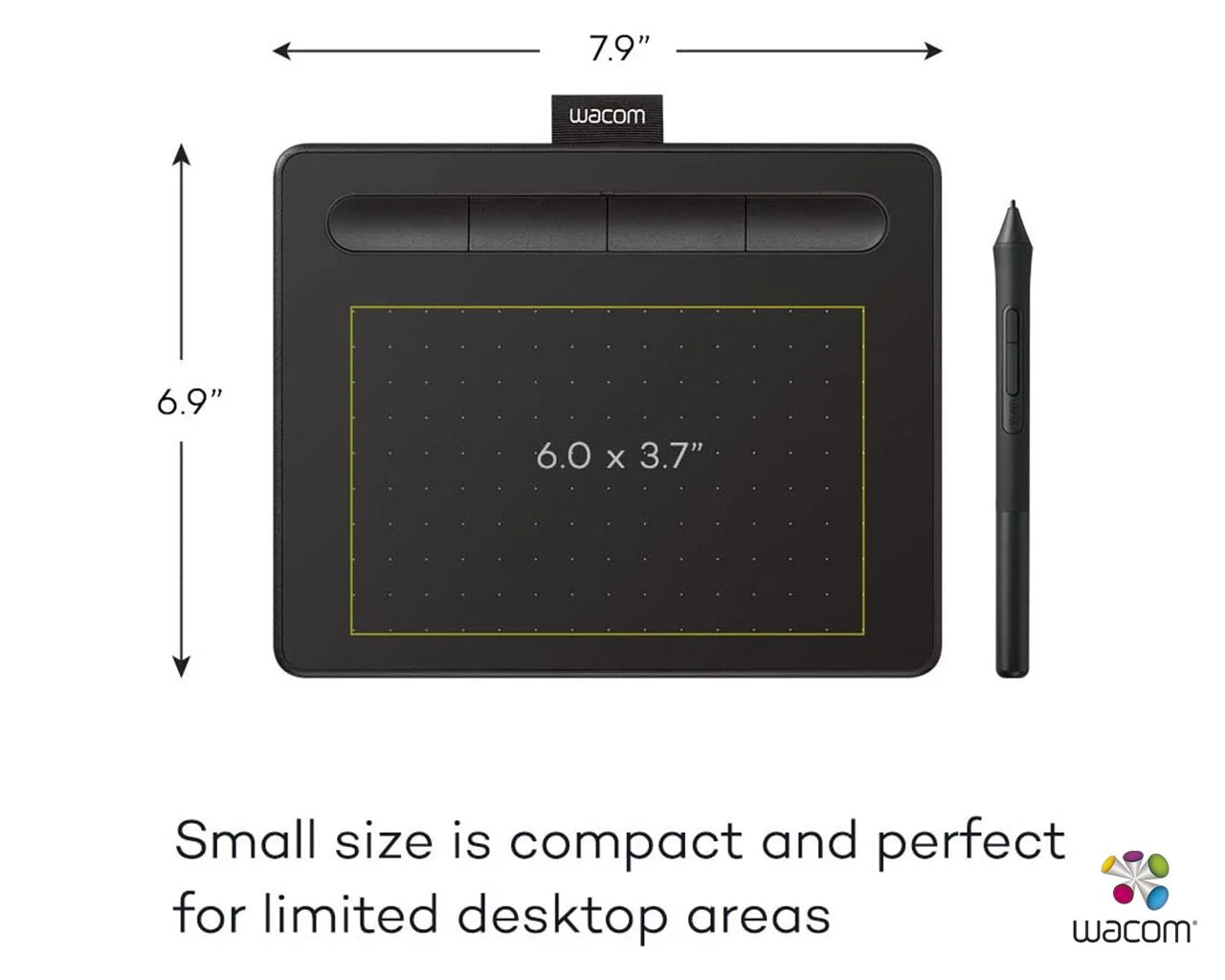
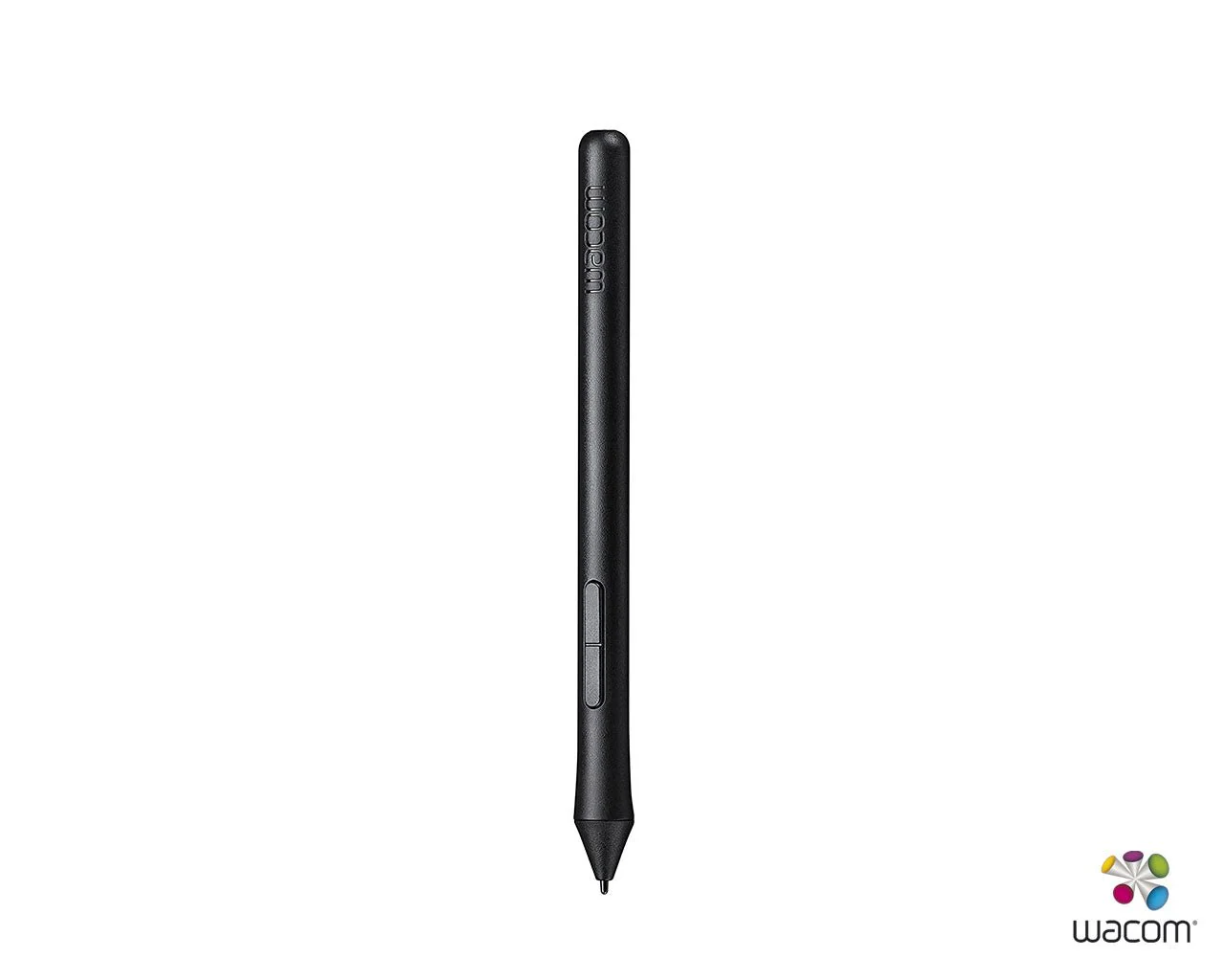
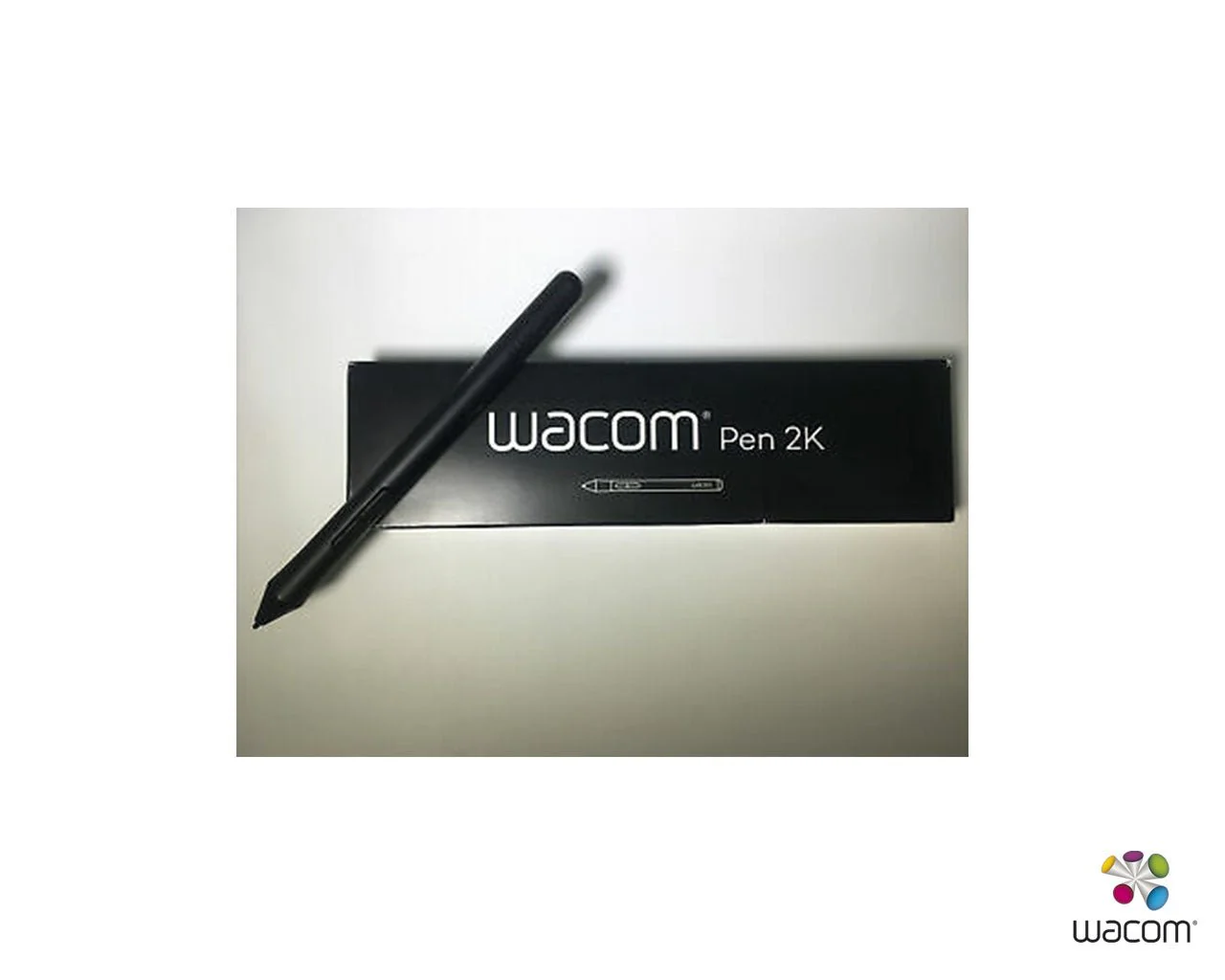
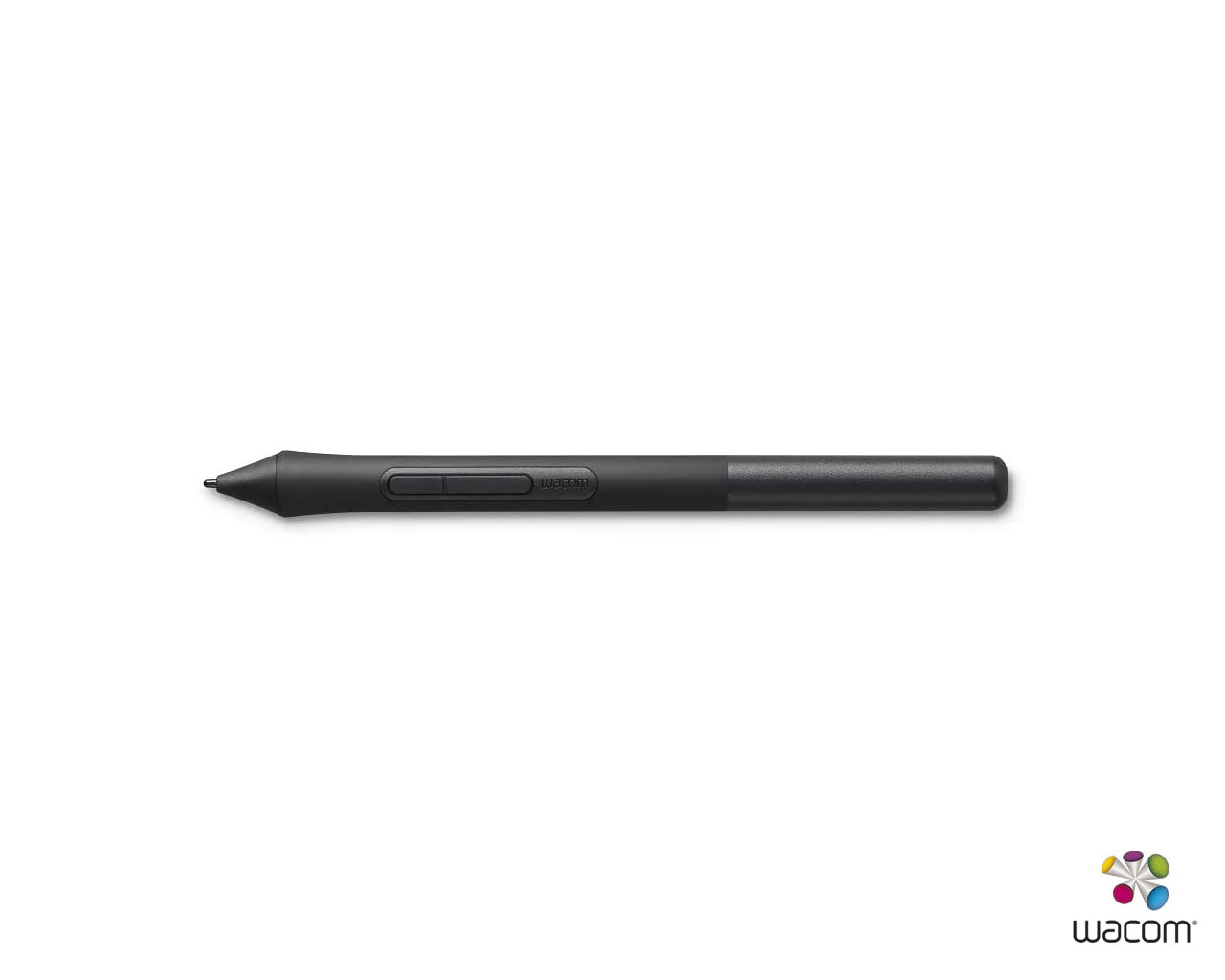
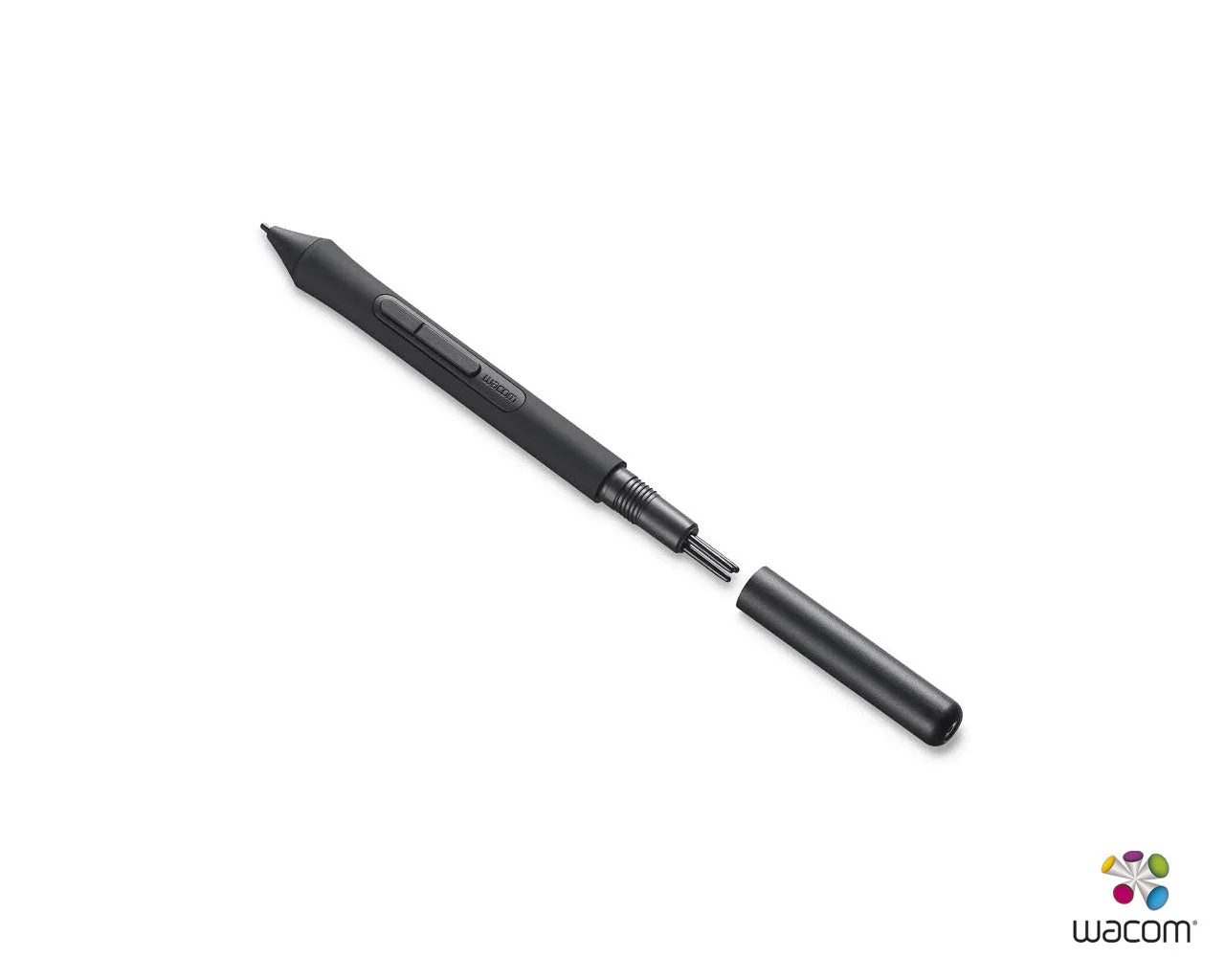
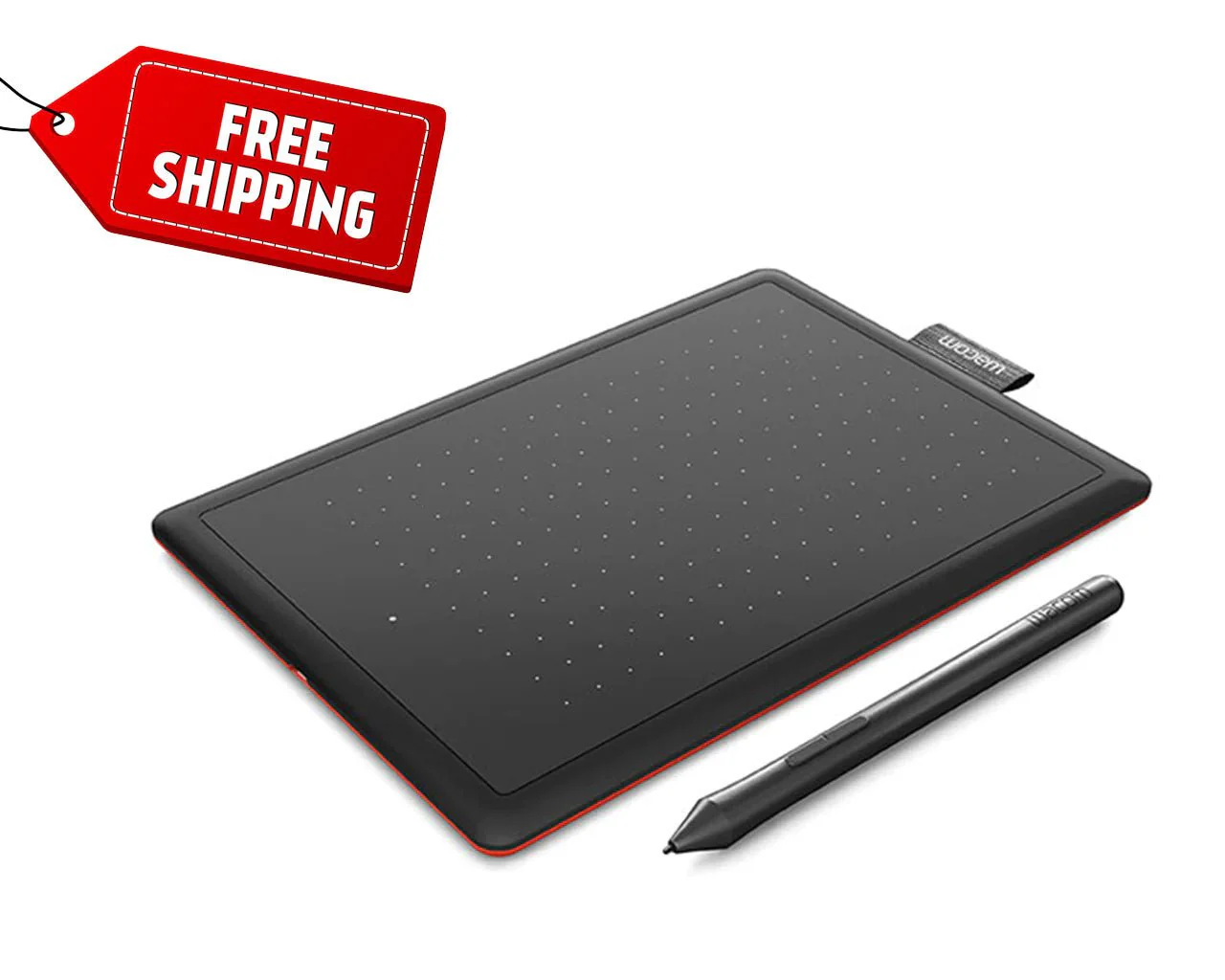
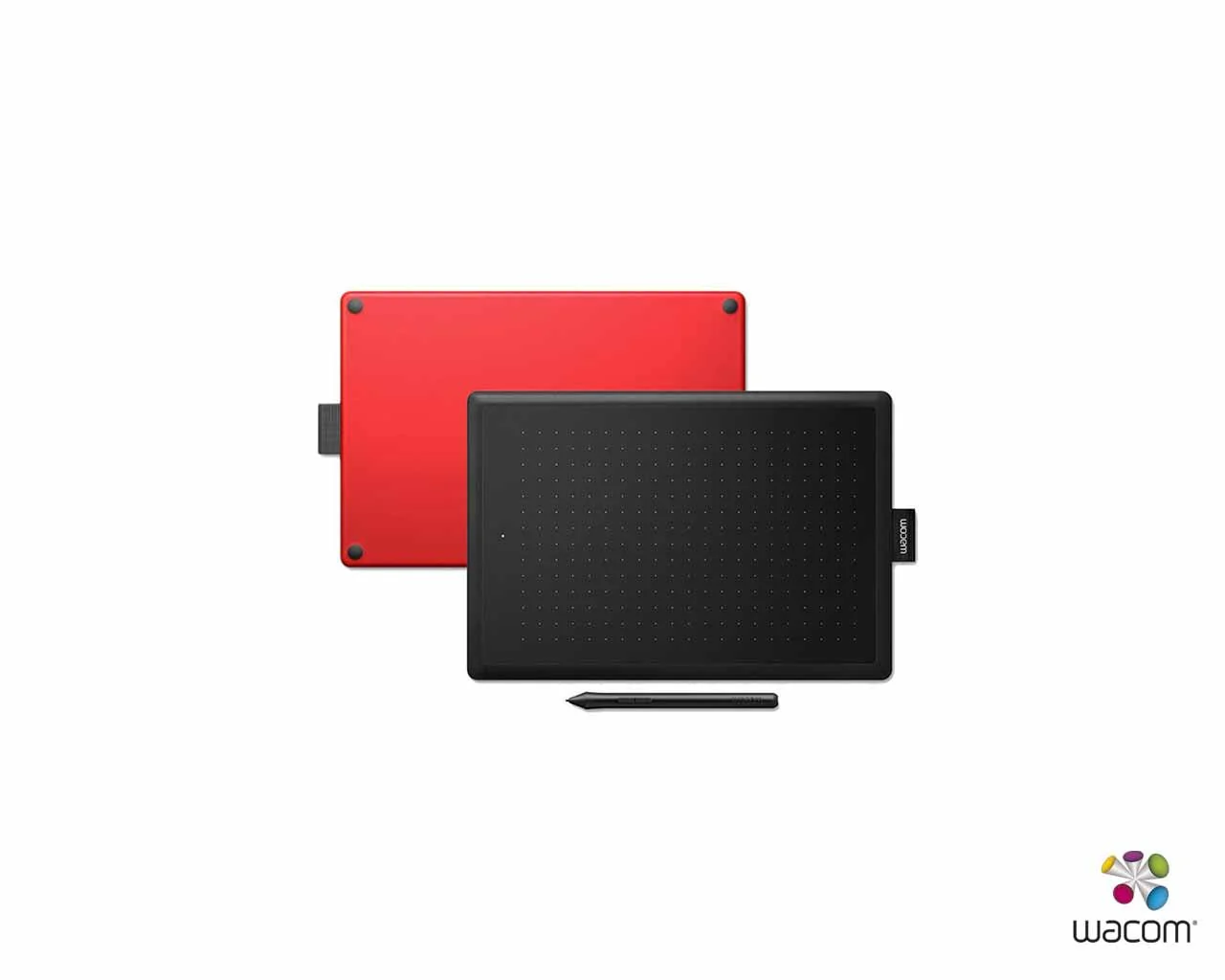
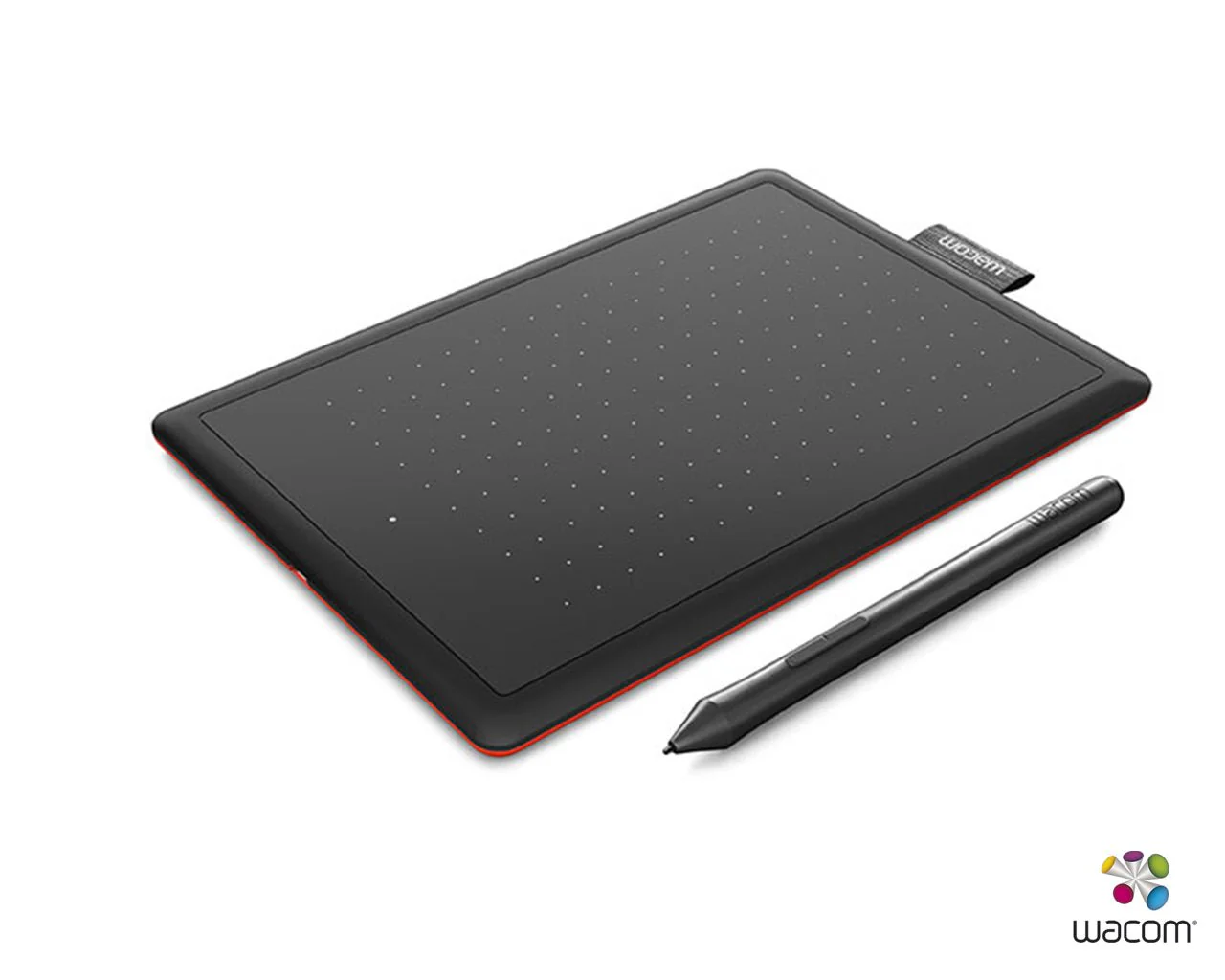
Wacom One CTL- 472 Graphics Pen Tablet 6 X 3.7 inch
Wacom One CTL- 472 Graphics Pen Tablet
Learning made easy


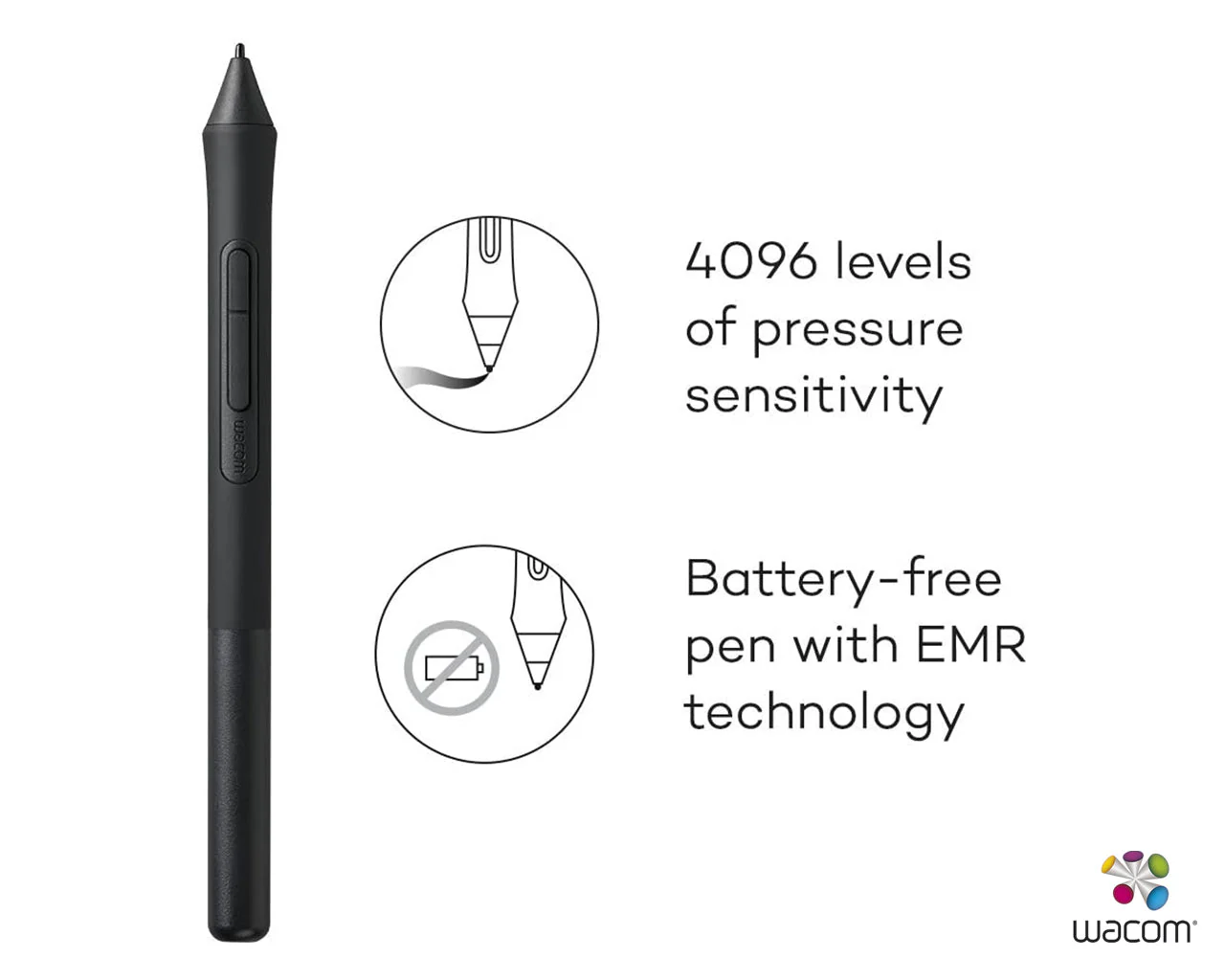
The natural pen experience
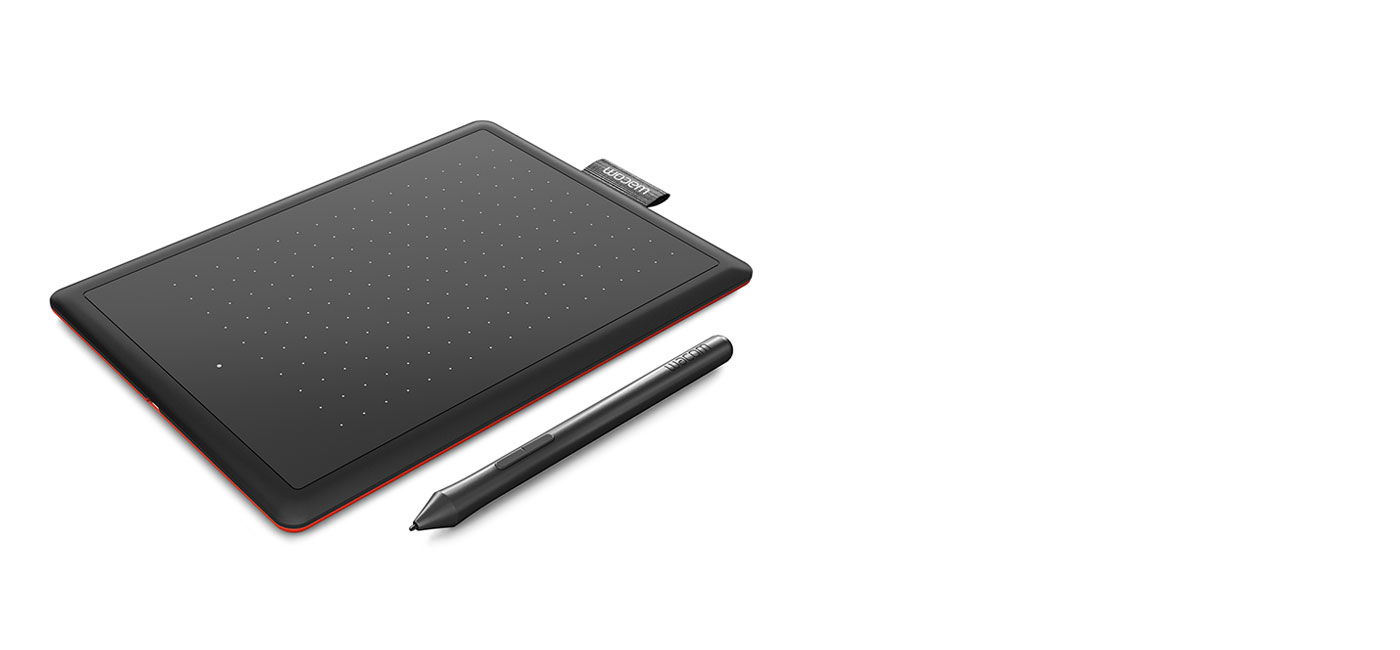
Take your creativity to a new level
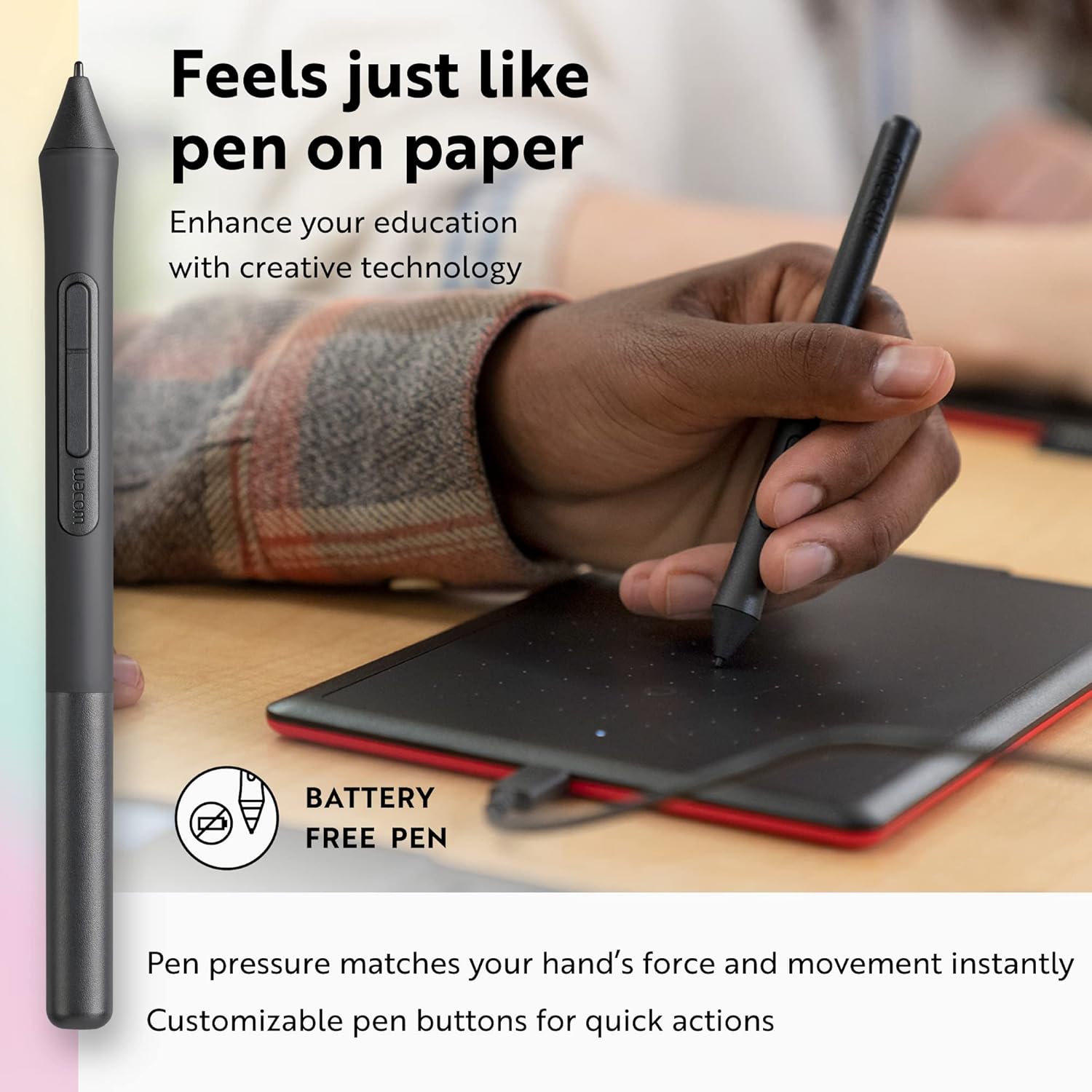
So simple to set up
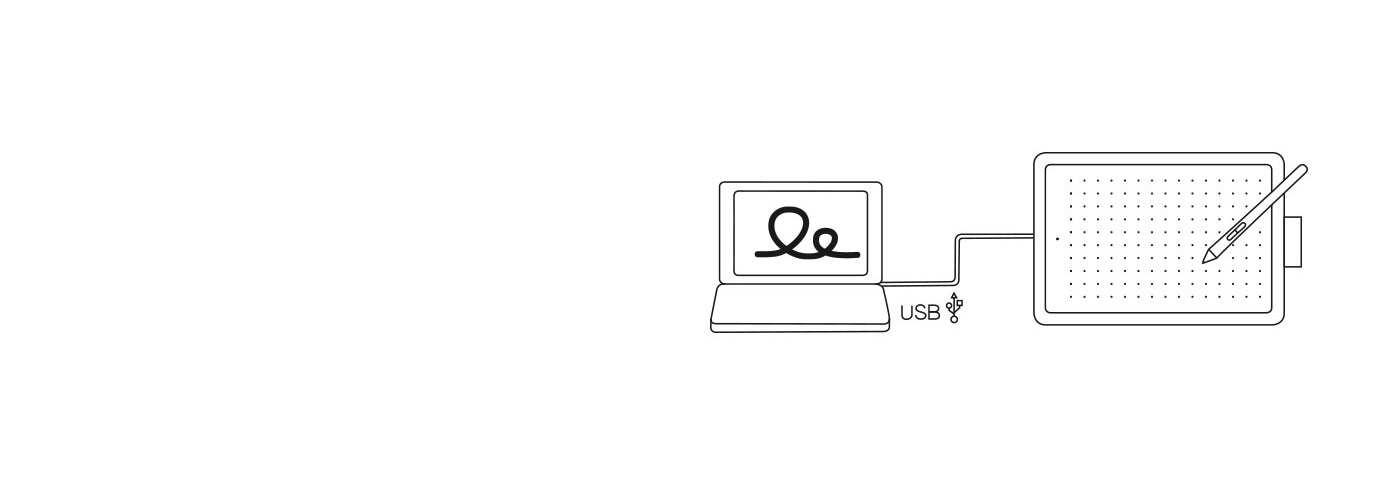
One by Wacom now also works with Chromebook. Bringing the pen tablet into the digital classroom
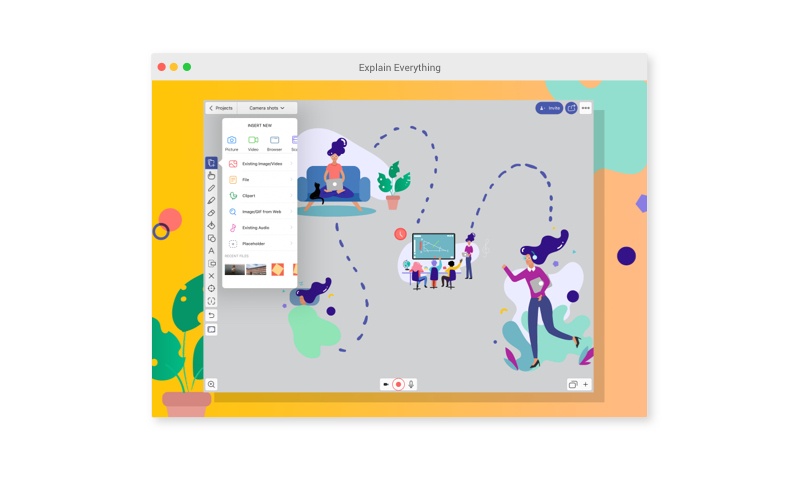
Wacom takes digital learning to the next level. The realistic digital pen recreates the classroom experience from anywhere. It gives you the freedom to write, annotate, create, collaborate, study or teach in ways like never before.
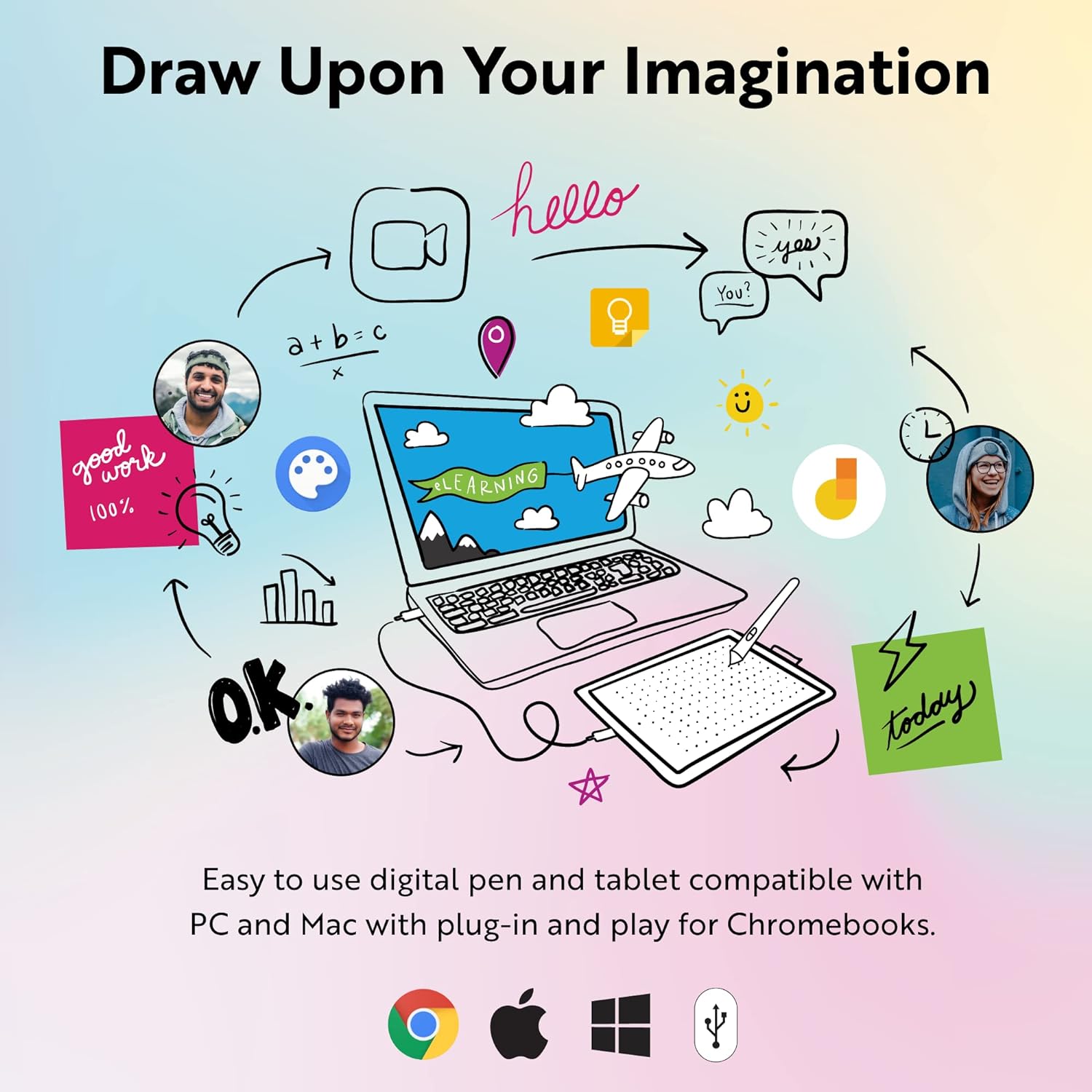
Let your creativity flow
When it comes to nurturing artistic talent and enhancing creative education, the CLIP STUDIO PAINT app for Chromebook has got you covered. It works perfectly with One by Wacom, so when inspiration strikes, open your Chromebook, fire up the app, and use the pen tablet to create magic.
| Specifications: | |
| Model number: |
|
| Size: |
|
| Active area: |
|
| Weight: |
|
| Color: |
|
| Stylus type: |
|
| Resolution: |
|
| Pen pressure levels: |
|
| Multi-touch: |
|
| ExpressKeys™: |
|
| System requirements: |
|
| What's in the Box? |
|
| Warranty: |
|
Product Information
Product Information
Shipping & Returns
Shipping & Returns
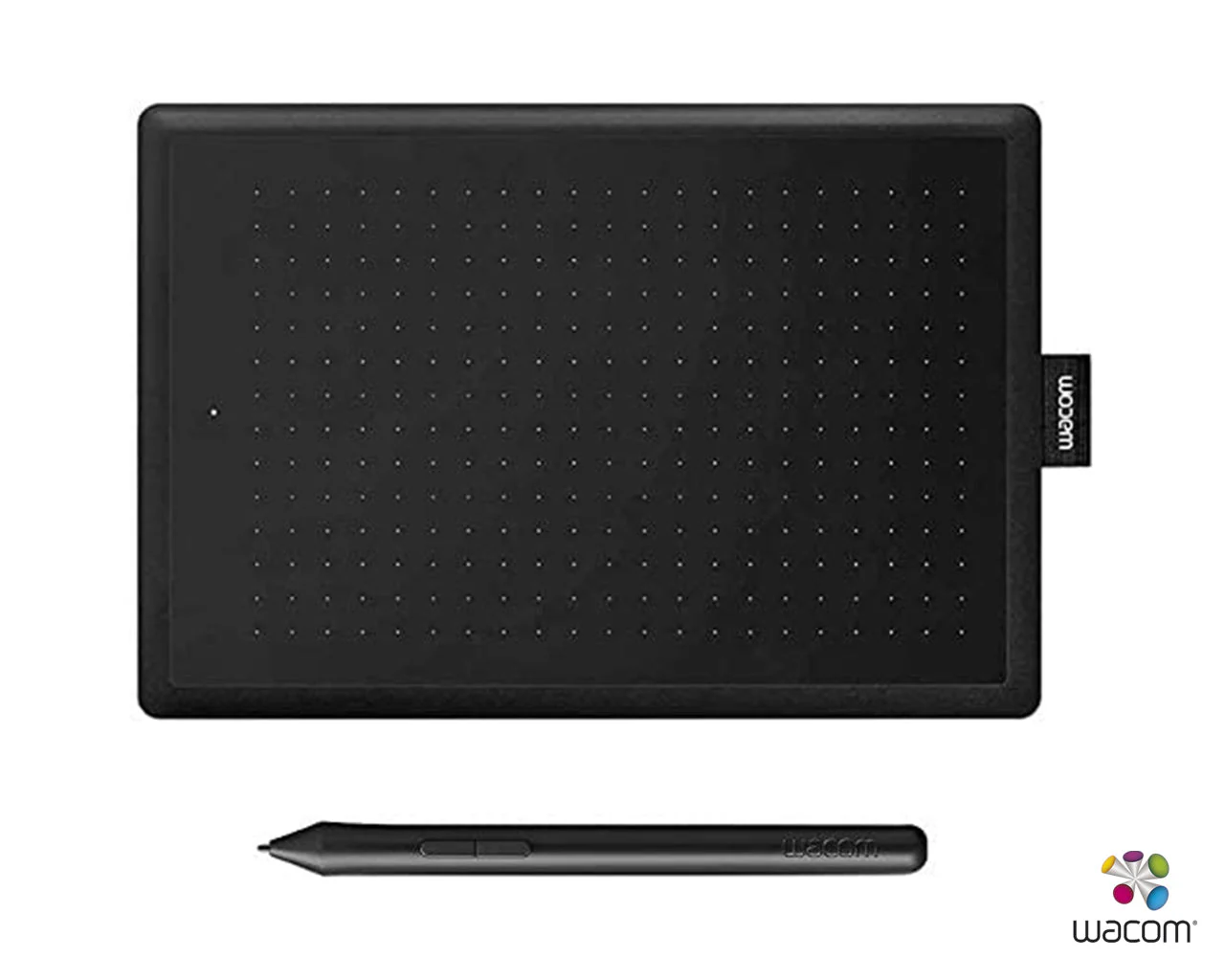
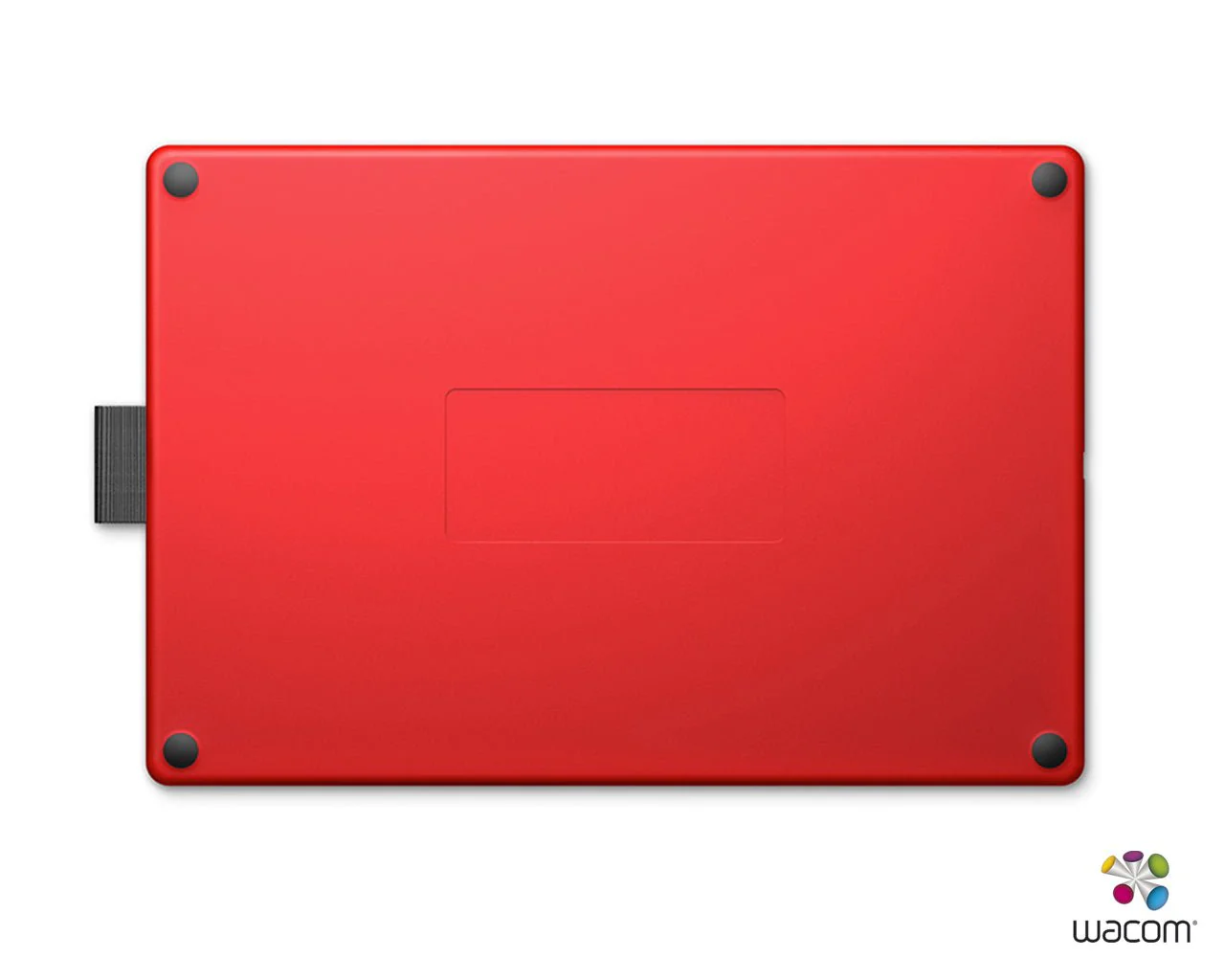
Wacom One CTL- 472 Graphics Pen Tablet 6 X 3.7 inch
Wacom One CTL- 472 Graphics Pen Tablet 6 X 3.7 inch
Wacom One CTL- 472 Graphics Pen Tablet
Learning made easy
The natural pen experience
Take your creativity to a new level
So simple to set up
One by Wacom now also works with Chromebook. Bringing the pen tablet into the digital classroom
Wacom takes digital learning to the next level. The realistic digital pen recreates the classroom experience from anywhere. It gives you the freedom to write, annotate, create, collaborate, study or teach in ways like never before.
Let your creativity flow
When it comes to nurturing artistic talent and enhancing creative education, the CLIP STUDIO PAINT app for Chromebook has got you covered. It works perfectly with One by Wacom, so when inspiration strikes, open your Chromebook, fire up the app, and use the pen tablet to create magic.
| Specifications: | |
| Model number: |
|
| Size: |
|
| Active area: |
|
| Weight: |
|
| Color: |
|
| Stylus type: |
|
| Resolution: |
|
| Pen pressure levels: |
|
| Multi-touch: |
|
| ExpressKeys™: |
|
| System requirements: |
|
| What's in the Box? |
|
| Warranty: |
|
Product Information
Product Information
Shipping & Returns
Shipping & Returns
Description
Wacom One CTL- 472 Graphics Pen Tablet
Learning made easy
The natural pen experience
Take your creativity to a new level
So simple to set up
One by Wacom now also works with Chromebook. Bringing the pen tablet into the digital classroom
Wacom takes digital learning to the next level. The realistic digital pen recreates the classroom experience from anywhere. It gives you the freedom to write, annotate, create, collaborate, study or teach in ways like never before.
Let your creativity flow
When it comes to nurturing artistic talent and enhancing creative education, the CLIP STUDIO PAINT app for Chromebook has got you covered. It works perfectly with One by Wacom, so when inspiration strikes, open your Chromebook, fire up the app, and use the pen tablet to create magic.
| Specifications: | |
| Model number: |
|
| Size: |
|
| Active area: |
|
| Weight: |
|
| Color: |
|
| Stylus type: |
|
| Resolution: |
|
| Pen pressure levels: |
|
| Multi-touch: |
|
| ExpressKeys™: |
|
| System requirements: |
|
| What's in the Box? |
|
| Warranty: |
|