Apple USB-C to Digital AV Adapter
Apple USB-C to Digital AV Adapter
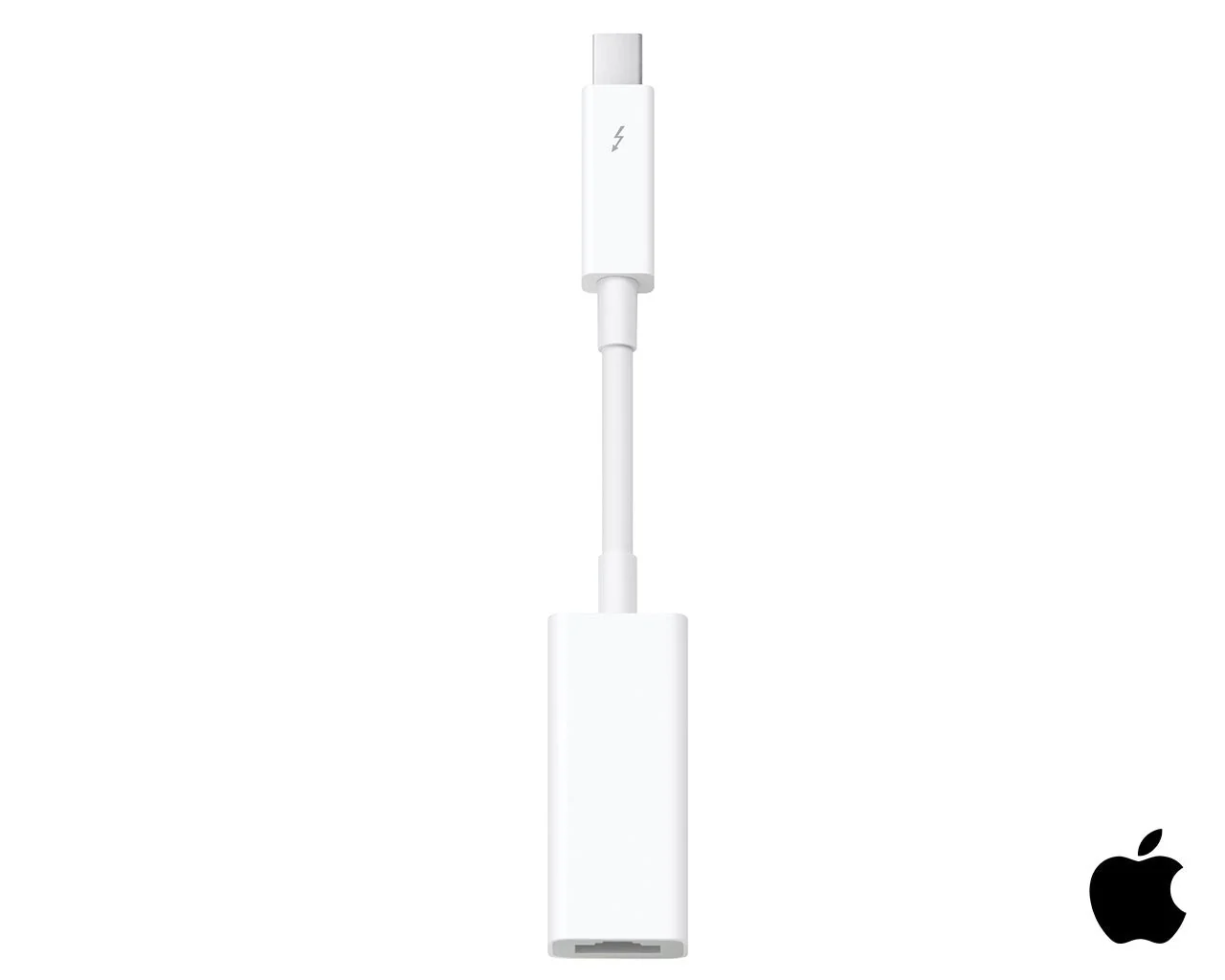
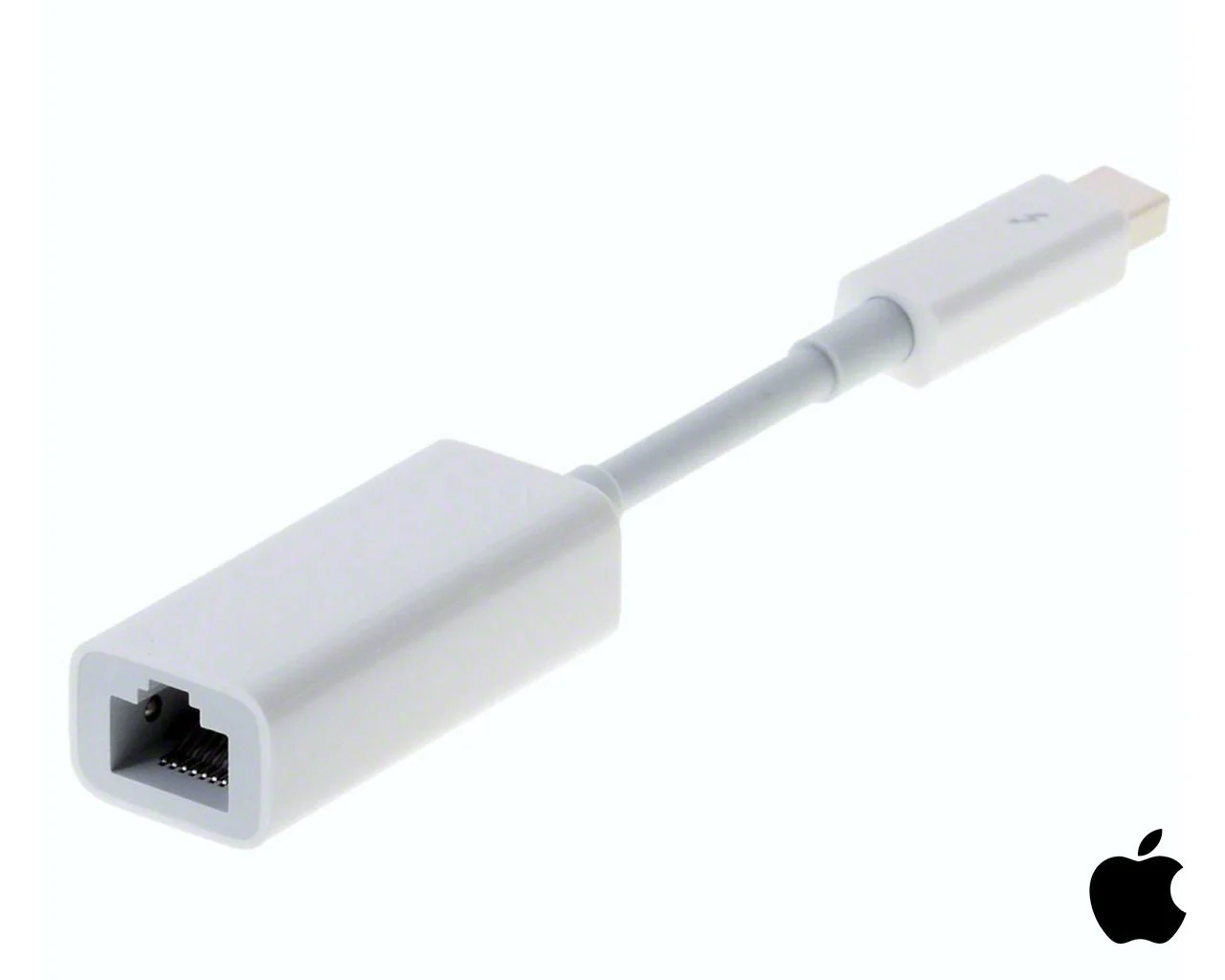
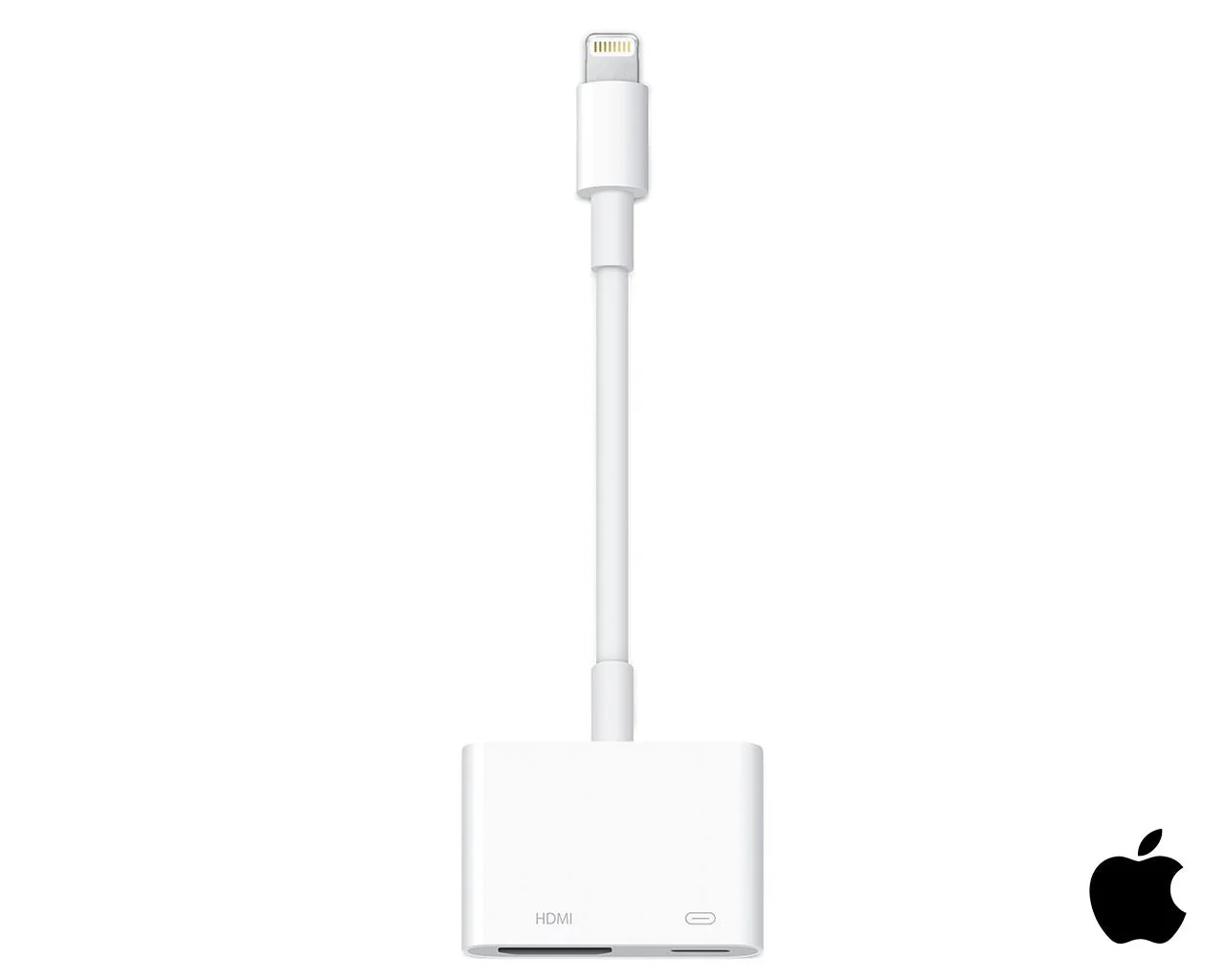
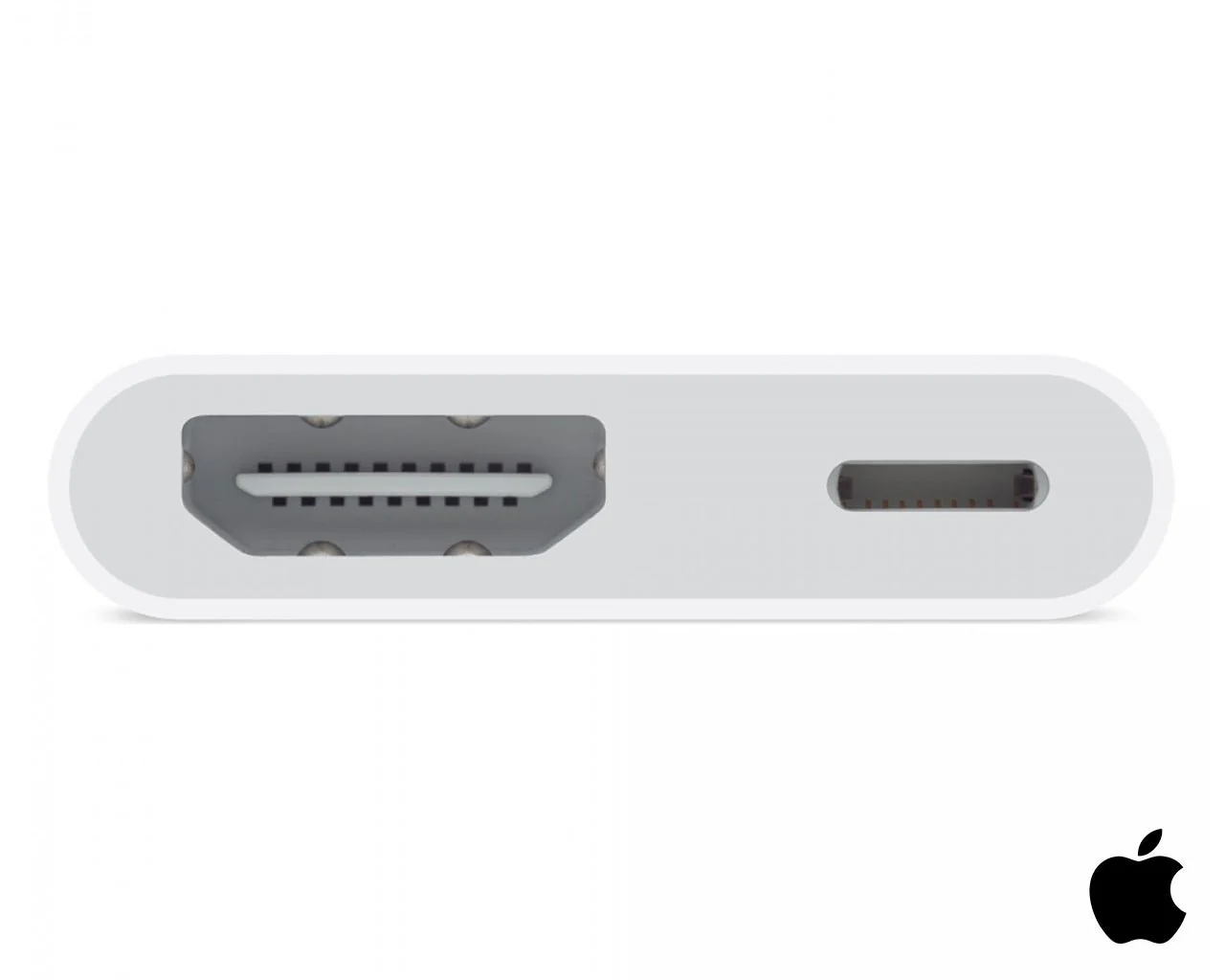
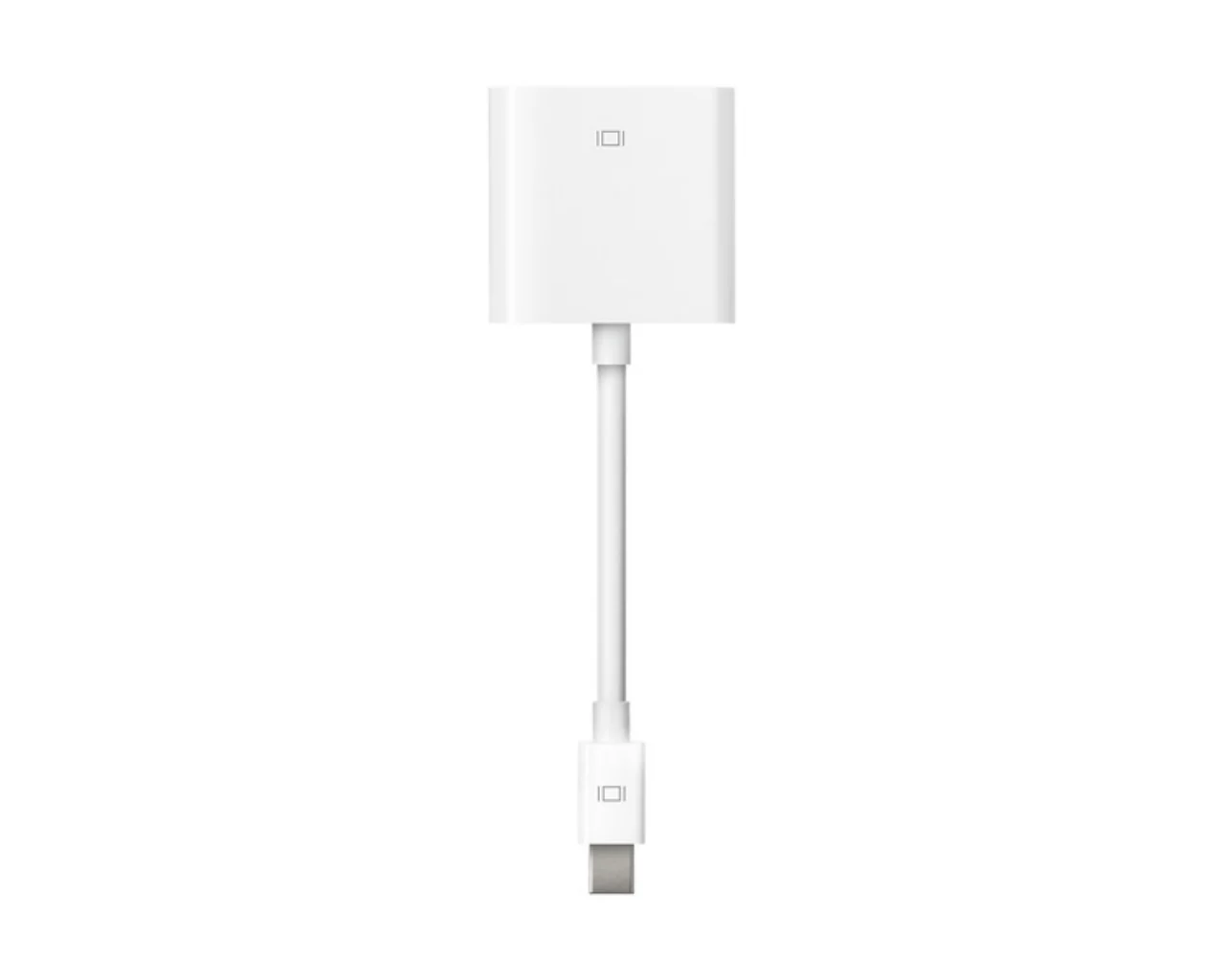
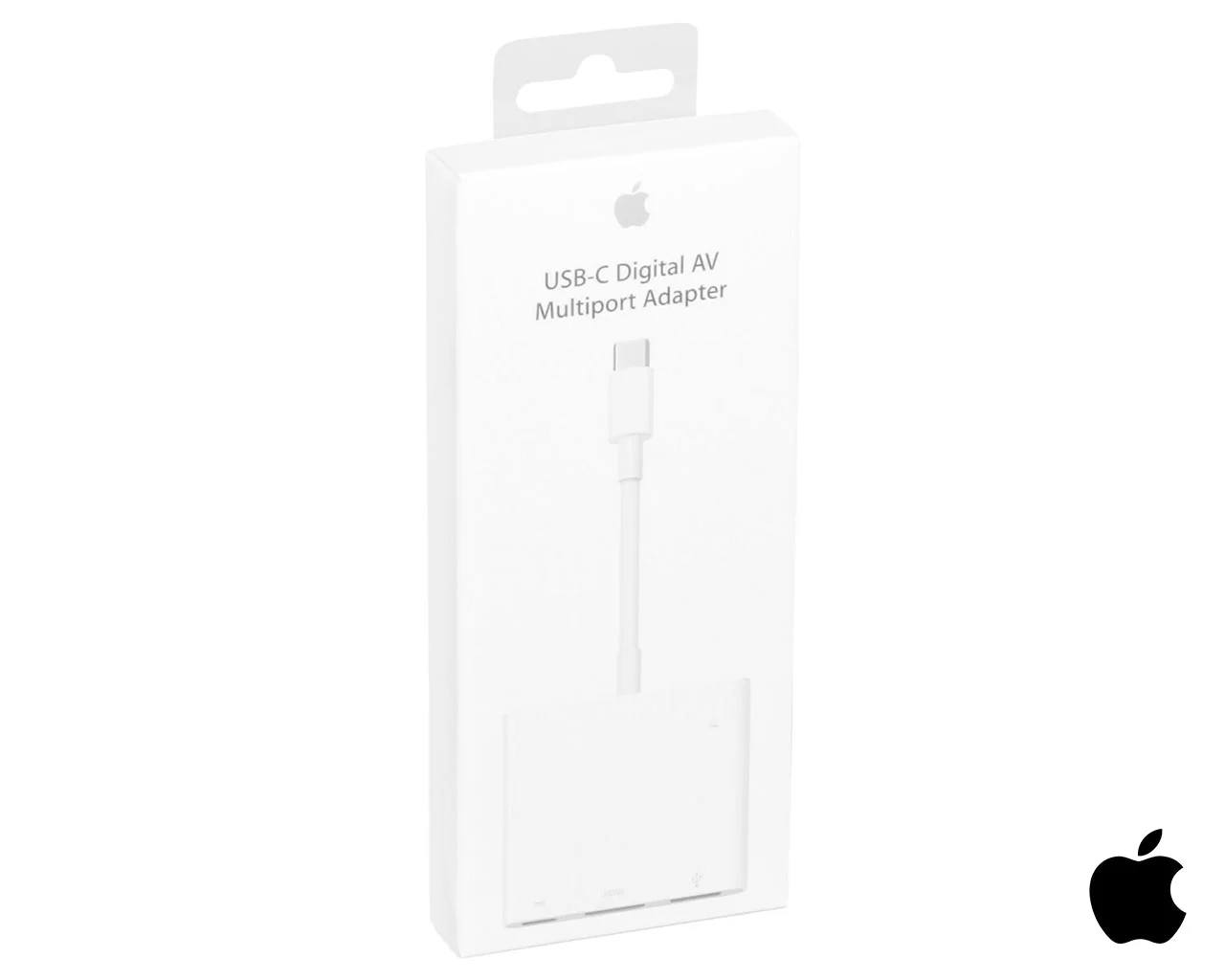
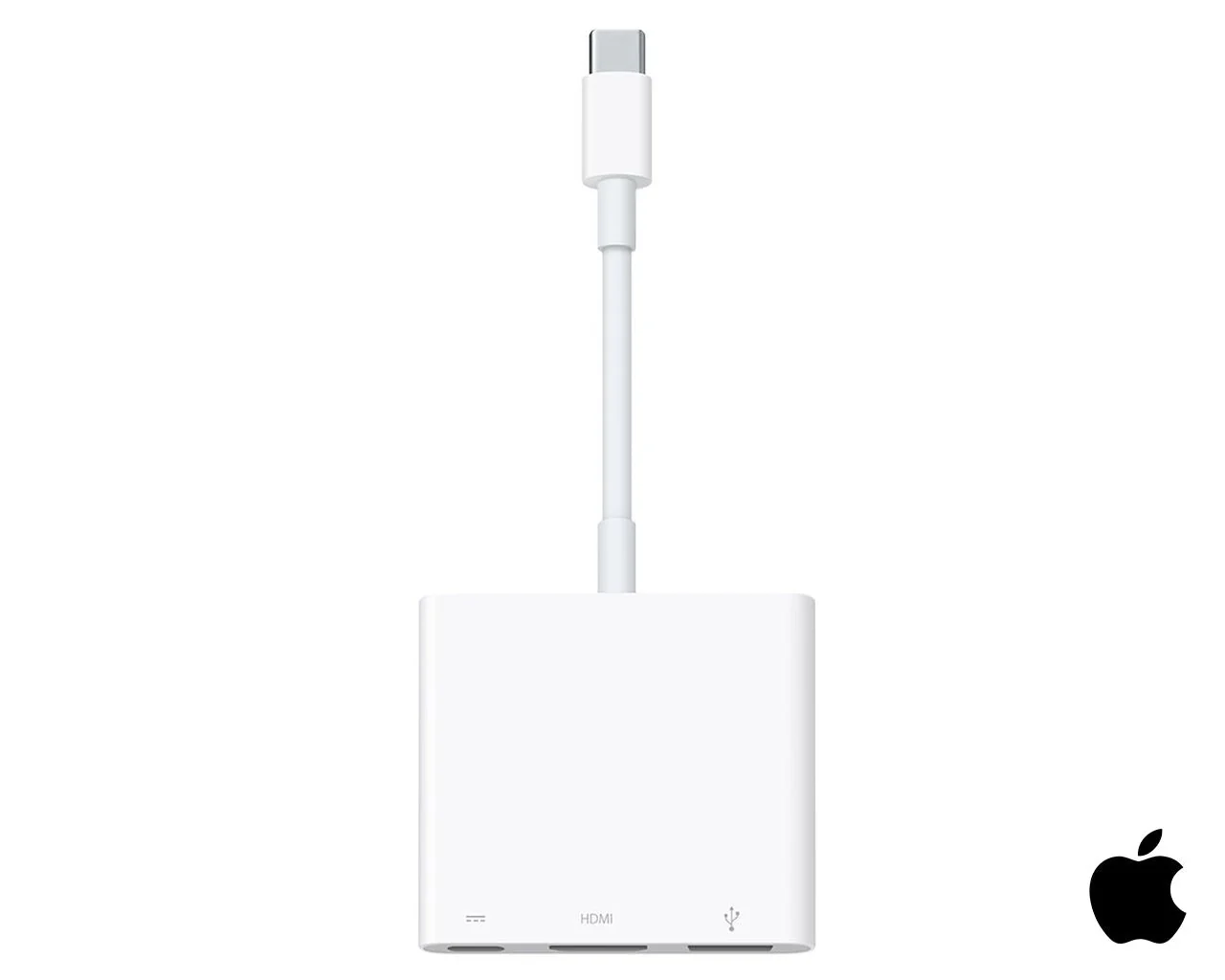
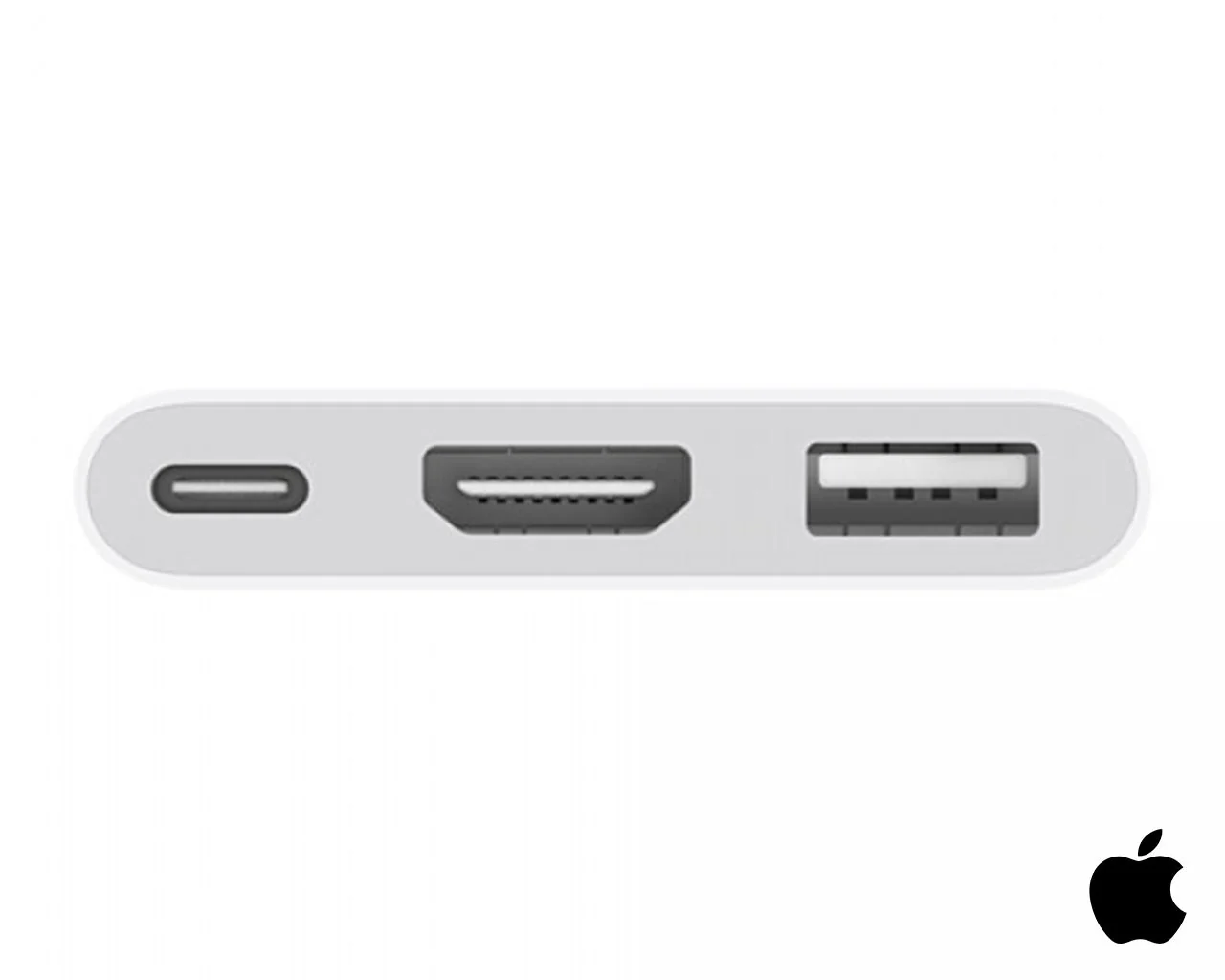
The USB-C Digital AV Multiport Adapter lets you connect your USB-C-enabled Mac or iPad Pro to an HDMI display, while also connecting a standard USB device and a USB-C charging cable.
This adapter allows you to mirror your Mac display to your HDMI-enabled TV or display.
3840x2160 at 60Hz on:
iPad Pro 11-inch, iPad Pro 12.9-inch (3rd Generation), MacBook Pro (15-inch, 2017 and later), iMac (Retina 5K, 27-inch, 2017 and later), iMac (Retina 4K, 21.5-inch, 2017 and later), and iMac Pro (2018)
1080p at 60Hz or UHD (3840 by 2160) at 30Hz on:
MacBook Air (2018), MacBook Pro (13-inch, 2016 and later), MacBook Pro (15-inch, 2016), iMac (non-Retina, 21.5‑inch, 2017), and Mac mini (2018)
Simply connect the adapter to a USB-C or Thunderbolt 3 (USB-C) port on your Mac or iPad Pro and then to your TV or projector via an HDMI cable (sold separately).
Use the standard USB port to connect devices such as your flash drive or camera or a USB cable for syncing and charging your iOS devices. You can also connect a charging cable to the USB-C port to charge your Mac or iPad Pro.
What’s in the Box
Apple USB-C Digital AV Multiport Adapter.
Tech Specs
Connections
HDMI
USB
USB-C
System Requirements
macOS Mojave 10.14.6 or later; iOS 12.4 or later
Requires an HDMI cable (sold separately) for connection to your TV or projector. Supports both video and audio output.
Product Information
Product Information
Shipping & Returns
Shipping & Returns
Apple USB-C to Digital AV Adapter
Apple USB-C to Digital AV Adapter
Apple USB-C to Digital AV Adapter
The USB-C Digital AV Multiport Adapter lets you connect your USB-C-enabled Mac or iPad Pro to an HDMI display, while also connecting a standard USB device and a USB-C charging cable.
This adapter allows you to mirror your Mac display to your HDMI-enabled TV or display.
3840x2160 at 60Hz on:
iPad Pro 11-inch, iPad Pro 12.9-inch (3rd Generation), MacBook Pro (15-inch, 2017 and later), iMac (Retina 5K, 27-inch, 2017 and later), iMac (Retina 4K, 21.5-inch, 2017 and later), and iMac Pro (2018)
1080p at 60Hz or UHD (3840 by 2160) at 30Hz on:
MacBook Air (2018), MacBook Pro (13-inch, 2016 and later), MacBook Pro (15-inch, 2016), iMac (non-Retina, 21.5‑inch, 2017), and Mac mini (2018)
Simply connect the adapter to a USB-C or Thunderbolt 3 (USB-C) port on your Mac or iPad Pro and then to your TV or projector via an HDMI cable (sold separately).
Use the standard USB port to connect devices such as your flash drive or camera or a USB cable for syncing and charging your iOS devices. You can also connect a charging cable to the USB-C port to charge your Mac or iPad Pro.
What’s in the Box
Apple USB-C Digital AV Multiport Adapter.
Tech Specs
Connections
HDMI
USB
USB-C
System Requirements
macOS Mojave 10.14.6 or later; iOS 12.4 or later
Requires an HDMI cable (sold separately) for connection to your TV or projector. Supports both video and audio output.
Product Information
Product Information
Shipping & Returns
Shipping & Returns
Description
Apple USB-C to Digital AV Adapter
The USB-C Digital AV Multiport Adapter lets you connect your USB-C-enabled Mac or iPad Pro to an HDMI display, while also connecting a standard USB device and a USB-C charging cable.
This adapter allows you to mirror your Mac display to your HDMI-enabled TV or display.
3840x2160 at 60Hz on:
iPad Pro 11-inch, iPad Pro 12.9-inch (3rd Generation), MacBook Pro (15-inch, 2017 and later), iMac (Retina 5K, 27-inch, 2017 and later), iMac (Retina 4K, 21.5-inch, 2017 and later), and iMac Pro (2018)
1080p at 60Hz or UHD (3840 by 2160) at 30Hz on:
MacBook Air (2018), MacBook Pro (13-inch, 2016 and later), MacBook Pro (15-inch, 2016), iMac (non-Retina, 21.5‑inch, 2017), and Mac mini (2018)
Simply connect the adapter to a USB-C or Thunderbolt 3 (USB-C) port on your Mac or iPad Pro and then to your TV or projector via an HDMI cable (sold separately).
Use the standard USB port to connect devices such as your flash drive or camera or a USB cable for syncing and charging your iOS devices. You can also connect a charging cable to the USB-C port to charge your Mac or iPad Pro.
What’s in the Box
Apple USB-C Digital AV Multiport Adapter.
Tech Specs
Connections
HDMI
USB
USB-C
System Requirements
macOS Mojave 10.14.6 or later; iOS 12.4 or later
Requires an HDMI cable (sold separately) for connection to your TV or projector. Supports both video and audio output.